Space Map
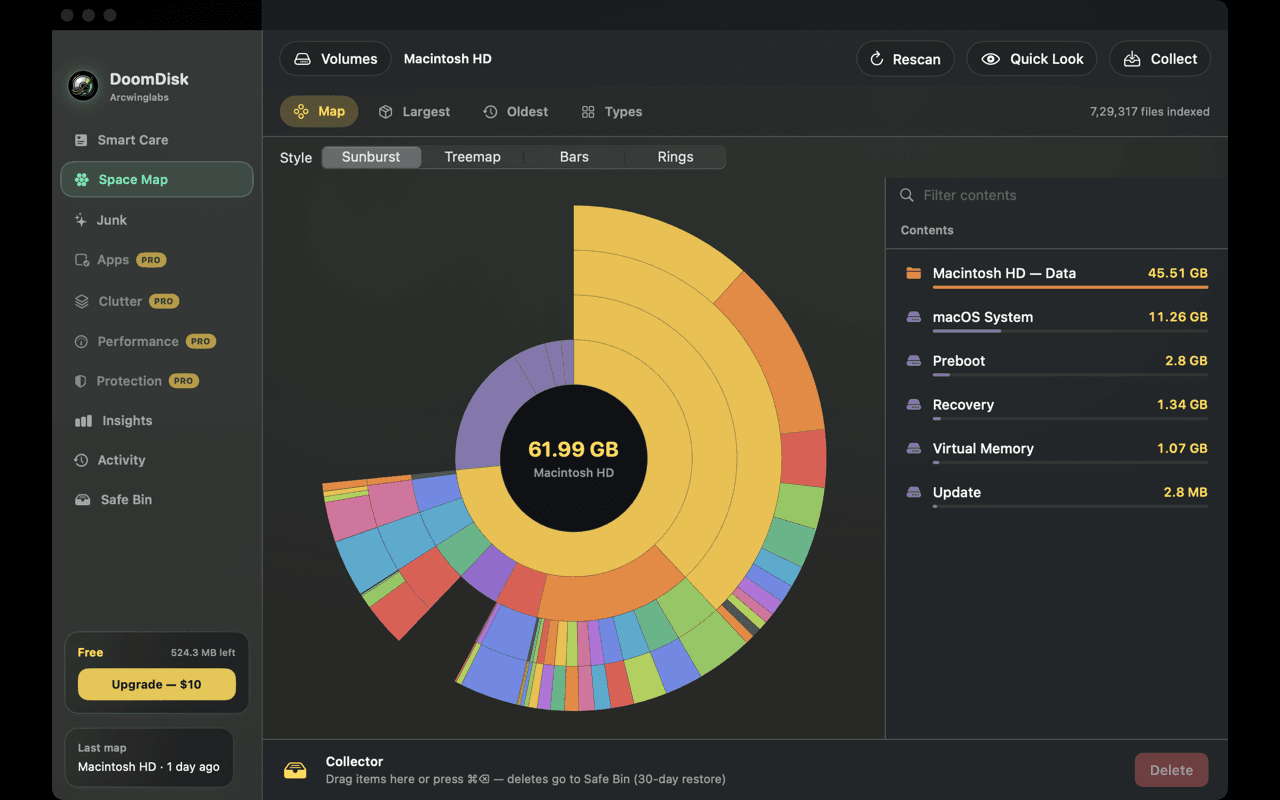
Sunburst, treemap, bars, rings — index hundreds of thousands of files and see which folders actually own the drive.
DoomDisk
Local macOS cleanup for builders who hate subscriptions — Space Map, review-first junk, and a 30-day Safe Bin. Nothing leaves your Mac.
Free DMG · macOS 13+ · Pro via Gumroad license key
Caches, Docker layers, Xcode DerivedData, abandoned node_modules, and AI model weights pile up while Finder shrugs. DoomDisk maps the mess, then lets you choose what dies.
Three moves that replace “hope this cleaner is safe” with a workflow you can trust.
Sunburst, treemap, bars, rings — index hundreds of thousands of files and see which folders actually own the drive.
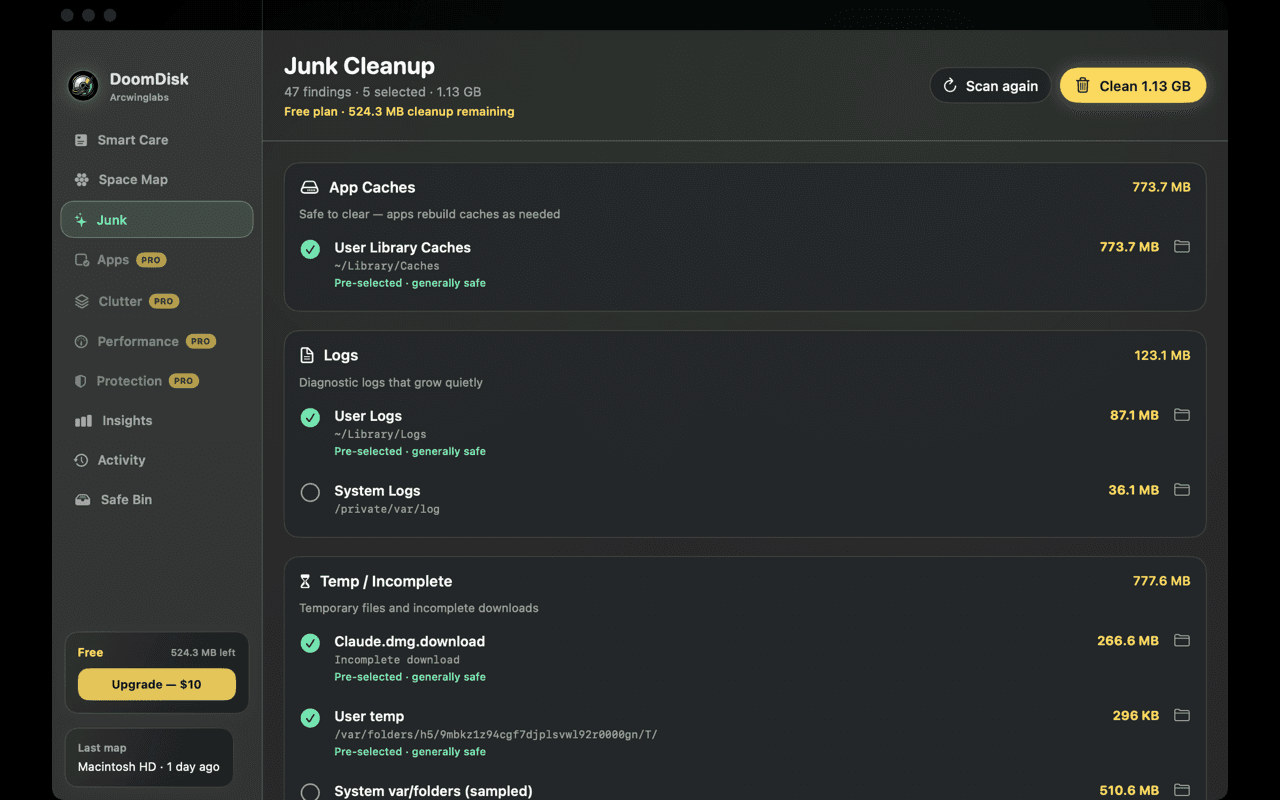
Scan caches, logs, temps, and builder residue. Pre-select the safe stuff, leave the rest alone, then clean — Free plan includes 500 MB; Pro is unlimited.
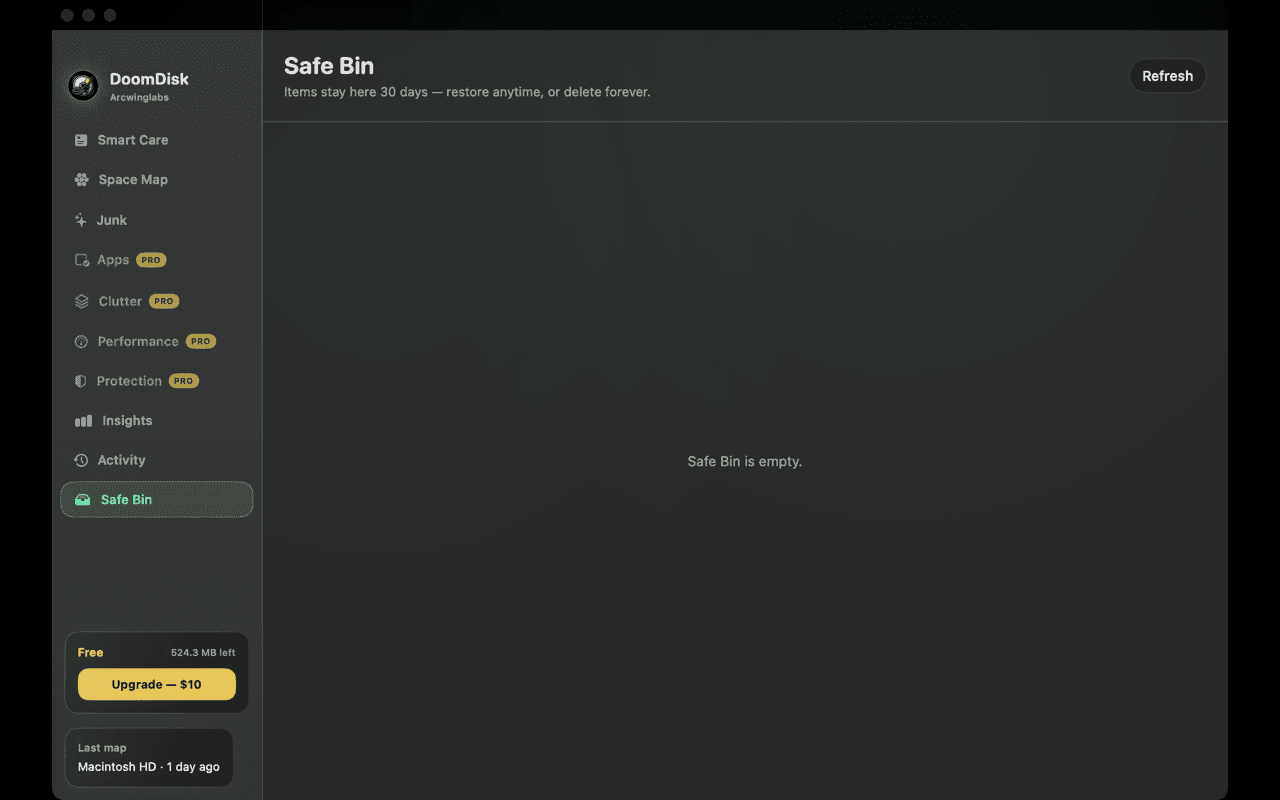
Deletes land in a 30-day restore bin, not a one-way shredder. Aggressive cleanup stays reversible.
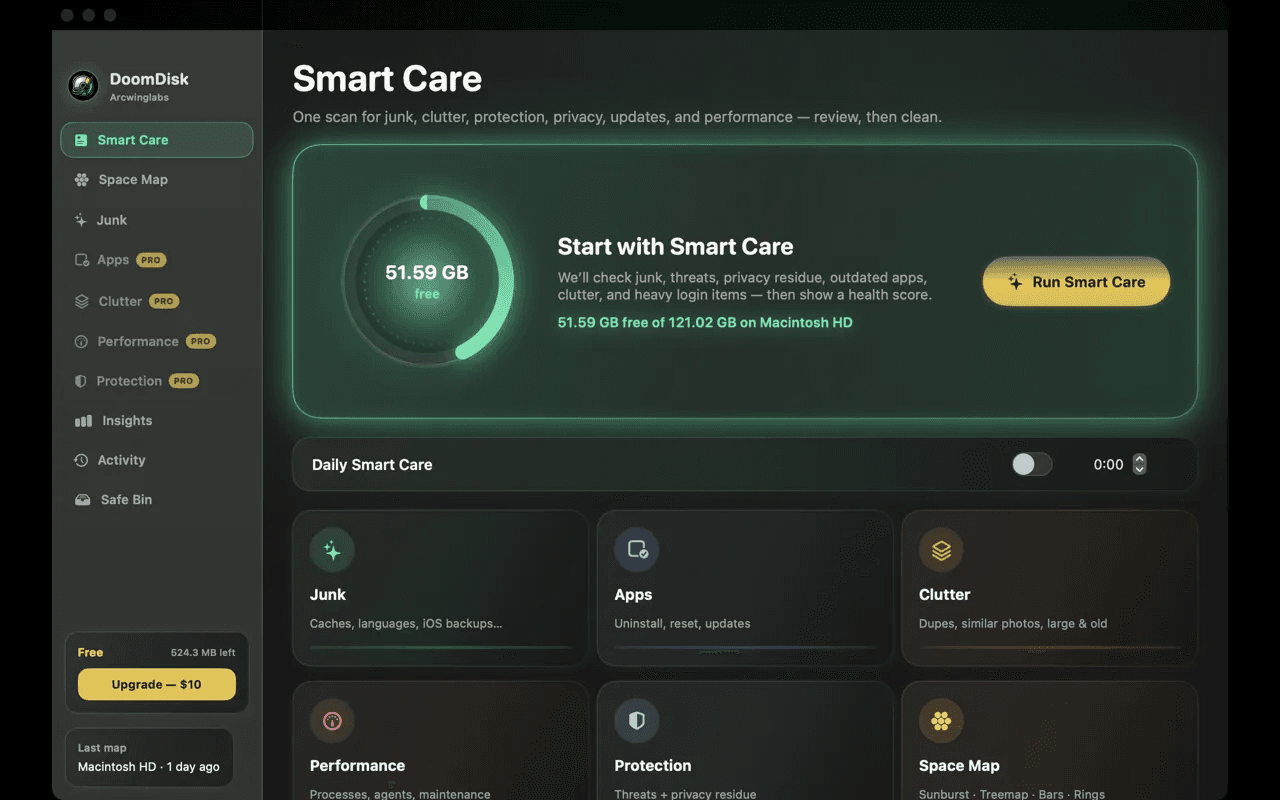
Smart Care, Apps, Clutter, Performance, and Protection sit beside the map — Pro unlocks the full suite for a one-time $10.
No subscription. Activate with a Gumroad license key inside the app — lifetime on your Mac.
$10one-time
| Feature | Free | Pro |
|---|---|---|
| Space Map | Yes | Yes |
| Junk scan | Yes | Yes |
| Junk cleanup | 500 MB | Unlimited |
| Safe Bin & Activity | Yes | Yes |
| Smart Care | — | Yes |
| Apps / Clutter | — | Yes |
| Performance / Protection | — | Yes |
Scans stay on your machine. The only network call for Pro is Gumroad license verification — once — then you keep working offline.
No cloud AI, no telemetry uploads for cleanup. License activation talks to Gumroad once to verify your key.
Buy on Gumroad, copy the license key from your receipt, then paste it in DoomDisk → License. Offline use stays unlocked after the first successful check.
Common on macOS Sequoia for apps that are not Developer ID–notarized yet. Easiest: open the DMG and double-click Install DoomDisk.command (allow Terminal if asked). Or paste this in Terminal after dragging the app to Applications: xattr -cr /Applications/DoomDisk.app && open /Applications/DoomDisk.app. Right-click → Open often still fails; System Settings → Privacy & Security → Open Anyway is the other path. Notarization removes this permanently.
Not right now. Direct download + Gumroad keeps the $10 price simple and updates in your hands.
Arcwinglabs — indie Mac utilities.
Long-form uninstall, System Data, and CleanMyMac-alternative writing from the makers of DoomDisk.
Find and delete Mac app leftovers in ~/Library after you trash an app: Application Support, Containers, preferences and LaunchAgents.
Looking for a CleanMyMac alternative? DoomDisk focuses on a Space Map, reviewable junk cleanup, Safe Bin and leftover uninstall — Free forever map, Pro unlock one-time.
Want a DaisyDisk-style disk map with cleanup built in? DoomDisk Free starts with a Space Map; Pro adds junk, leftovers and Safe Bin.
How to clear storage on a Mac when it's full: 12 ways to free up space, biggest wins first, including hidden folders Apple's Storage screen doesn't show.
Requires macOS 13+. Grant Full Disk Access for complete scans. Open the DMG → Install DoomDisk.command (or drag to Applications).